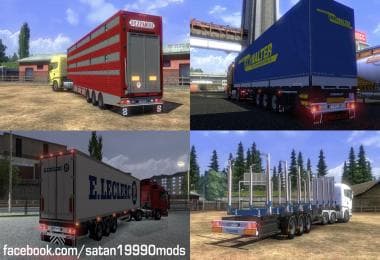
AGRICULTURAL TRAILER MOD PACK
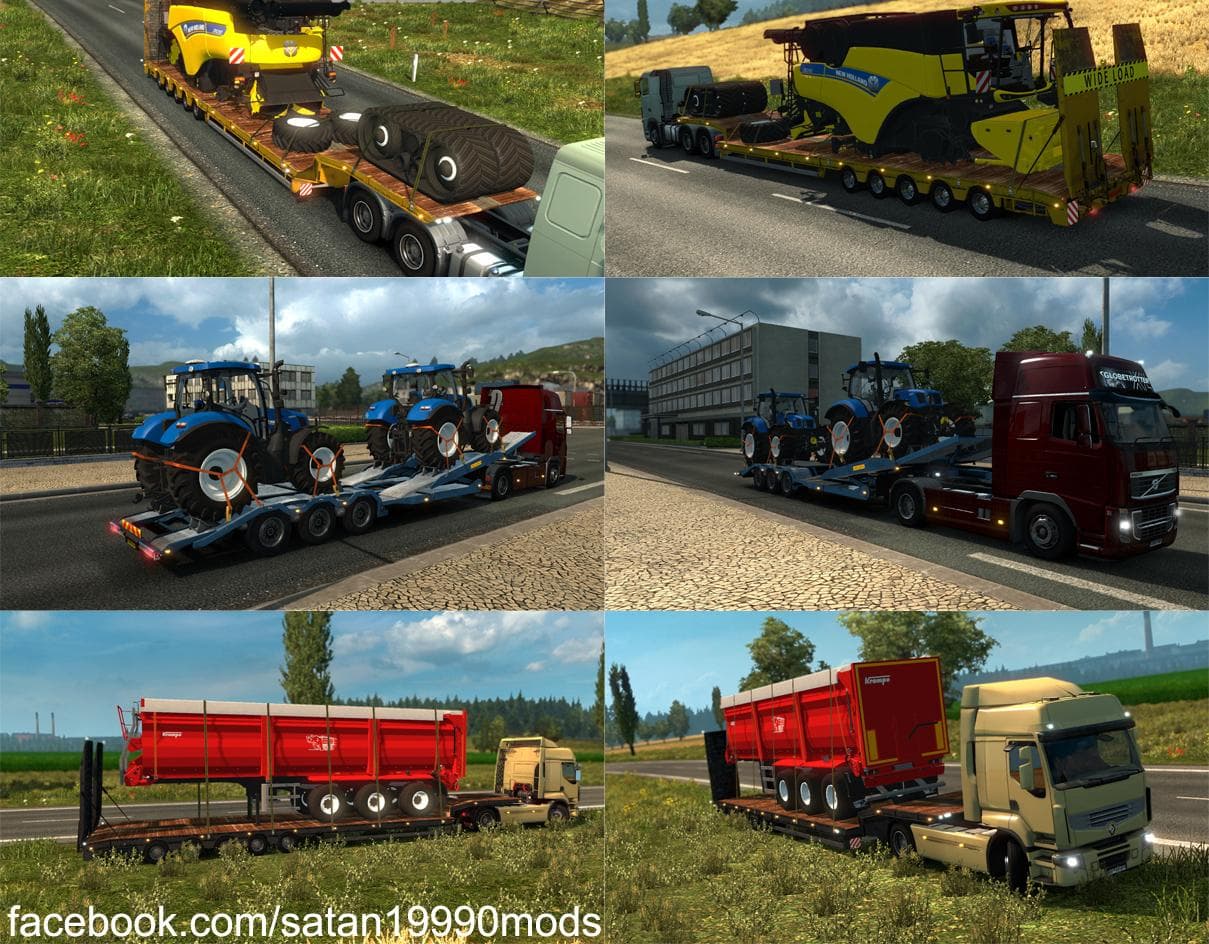
The "AGRICULTURAL TRAILER MOD PACK" is a trailer mod for ETS2 version 1.20 created by Euro Truck Simulator 2. Version 2.1 includes fixes for missing mat files,
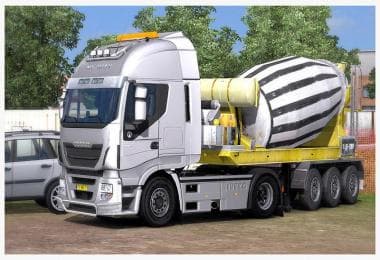
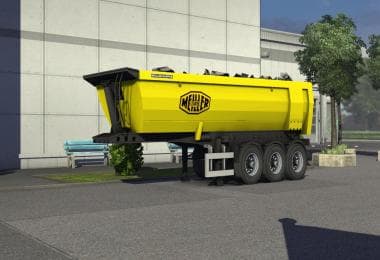
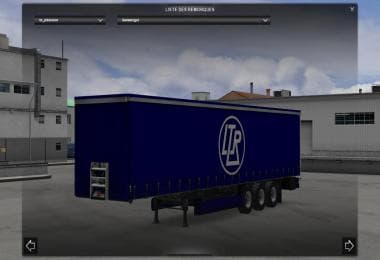
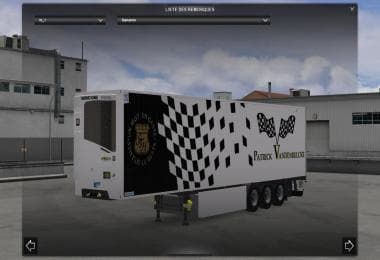
The Agricultural Trailer Mod Pack brings a set of haulable trailers focused on farming-related cargo to Euro Truck Simulator 2. This kind of trailer mod expands the variety of trailer bodies you can own or find in cargo selection, letting you transport agricultural goods across the map. It's designed for ETS2 version 1.20 and has been tested to work properly with that release, including fixes for missing materials and added support for companies in Promods.
Trailer mods like this one generally add diversity to your freight options by introducing new trailer models and compatible cargo types. They show up in the game’s trailer dealers or cargo market, enabling players to haul different products compared to the default game trailers. This pack specifically targets agricultural hauling, which fits nicely if you enjoy jobs related to farming or rural industries.
When building a modded setup, it’s common to load trailer packs alongside map expansions and other cargo mods to enrich your gameplay experience. Since this mod adds manifest files and integrates with certain company cargos, it should play well with map mods like Promods where these companies exist. Still, as with any trailer mod, it's wise to check load order and compatibility especially if you run multiple trailer packs or heavy cargo mods.
This Agricultural Trailer Mod Pack suits players who want more realistic or varied hauling jobs tied to agriculture within ETS2. If your trucking routes often pass through rural areas or farms represented in popular map mods, this addition can make those runs feel more authentic. It also appeals to drivers who prefer owning specialized trailers rather than just using generic freight options.
Installing such a trailer pack usually involves placing it in your mod folder and activating it via the profile manager before launching the game. Keep in mind that updates for ETS2 might require waiting for updated versions of the mod if compatibility issues arise after major game patches.
How to install
1. Download the .scs file. 2. Drop it into `Documents/Euro Truck Simulator 2/mod/`. 3. Enable in Mod Manager. 4. Trailer should appear in cargo selection or trailer dealer depending on the mod's design.
After the mod loads, save your game inside a safe area (parking lot or service) before deciding whether to keep it. If the game refuses to load with the mod enabled, check that all required DLCs are installed and that the supported ETS2 version chips on this page include your installed game patch.
Reviews
No ratings yetNo reviews yet — be the first to rate this mod.