50KEDA MAP EDIT V1.2
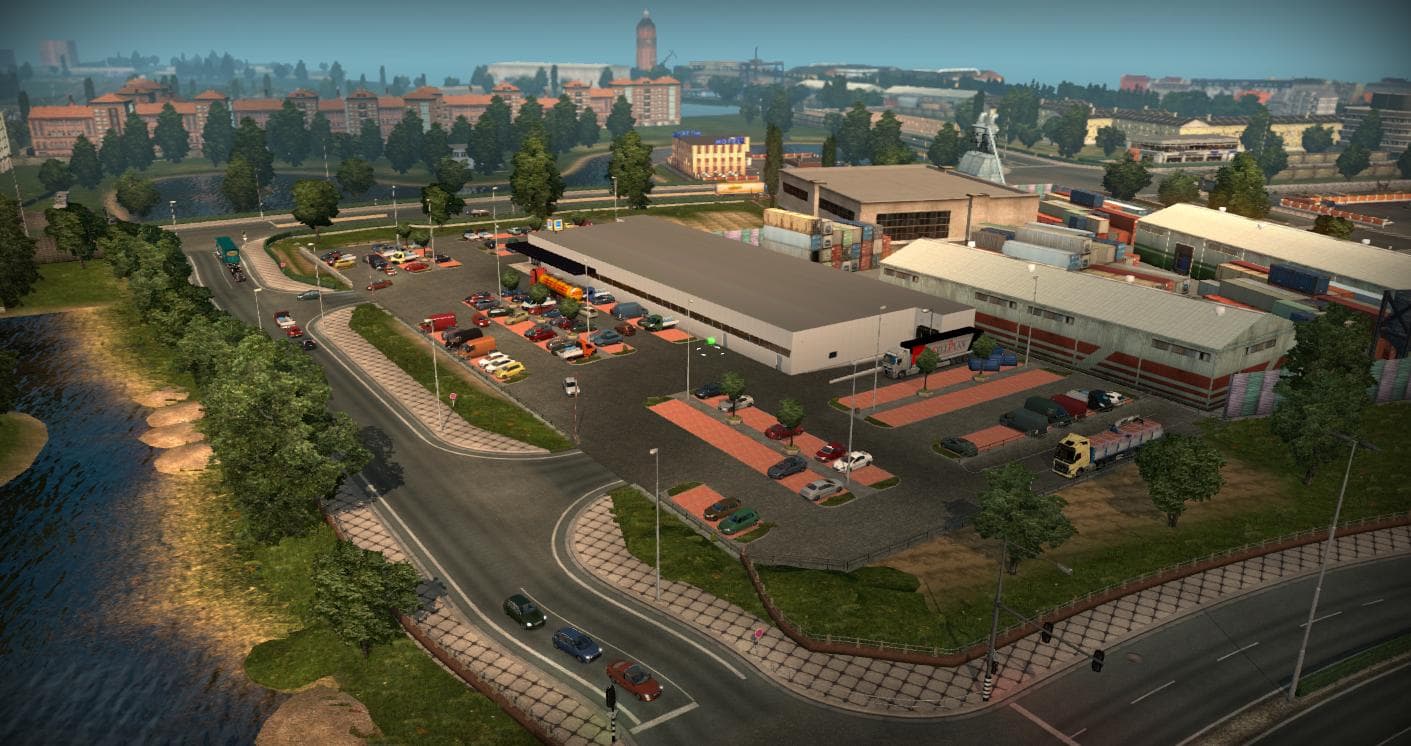
The 50KEDA MAP EDIT is a map mod for ETS2 version 1.2 by Euro Truck Simulator 2. It includes a new company prefab with AI traffic, replacing the Sellplan compan
50KEDA MAP EDIT V1.2 is a map modification for Euro Truck Simulator 2 that tweaks the base and dlc_east map by replacing the Sellplan company for Hofer with a new company prefab complete with AI traffic. This kind of mod adjusts existing in-game locations rather than adding entirely new regions, focusing on enhancing or altering specific map elements for a fresh experience within the familiar environment.
Map mods like this one modify parts of the drivable world by editing or replacing in-game assets such as companies, roads, and traffic behaviors. They usually come as .scs files that must be loaded alongside other map mods and DLCs compatible with them. Since 50KEDA MAP EDIT works with ETS2 version 1.2, it fits into setups using older base maps and DLC expansions relevant to that era of the game.
Given its nature, this mod should be placed carefully in the load order to ensure compatibility with other map mods and DLCs affecting eastern Europe or related regions. Mods that alter base map companies often require a new profile or at least caution to avoid conflicts or missing assets during gameplay.
Players who enjoy fine-tuning their trucking routes and want slight changes to familiar logistics hubs will appreciate what this mod offers. It's especially suitable for those running older versions of ETS2 who want subtle variety without dramatically expanding the playable area or introducing entirely new cities.
While creators are unknown and detailed version info is scarce, users interested in modifying existing map elements rather than adding large new areas might find this an interesting addition to their collection.
How to install
1. Download every .scs file from the source page (map mods often ship multiple files). 2. Copy all files to `Documents/Euro Truck Simulator 2/mod/`. 3. Enable each file in Mod Manager **in the order documented by the modder**. Load order matters for maps. 4. Start a new save or use an existing save that already supports the map's base regions.
After the mod loads, save your game inside a safe area (parking lot or service) before deciding whether to keep it. If the game refuses to load with the mod enabled, check that all required DLCs are installed and that the supported ETS2 version chips on this page include your installed game patch.
Known conflicts
No conflicts reported for this mod yet. Running a big mod list? Check your whole setup for conflicts →
Reviews
No ratings yetNo reviews yet — be the first to rate this mod.





